
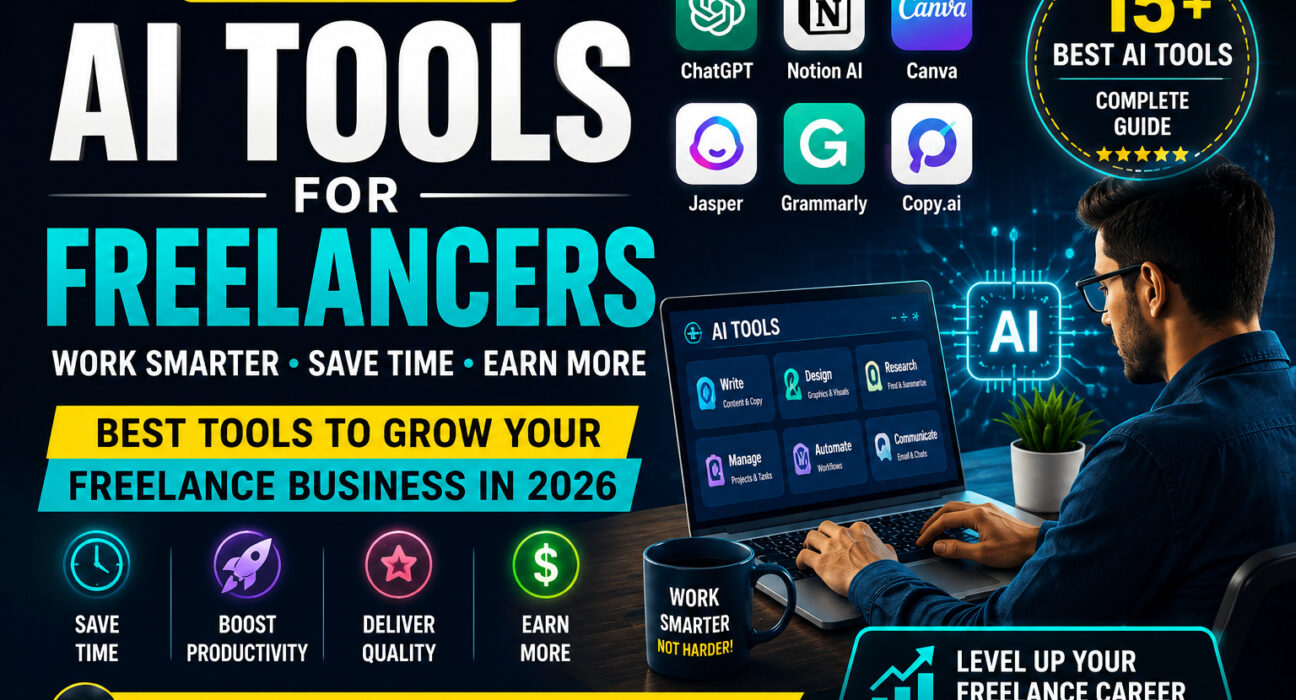
AI Tools for Freelancers: 15 Best Tools to Work Smarter, Save Time & Earn More in 2026
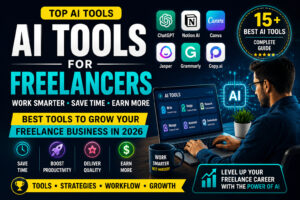
AI tools for freelancers are becoming increasingly important in 2026 as freelance work becomes more competitive. Freelancers need to find clients, communicate professionally, research projects, create content, manage deadlines, and deliver quality work. As a result, AI tools can make many of these tasks faster and easier.
For example, from writing and research to design, productivity, meetings, and automation, artificial intelligence can help freelancers reduce repetitive work and focus on their most valuable tasks.
In this guide, we’ll explore 15 of the best AI tools for freelancers in 2026, what each tool is best for, and how you can use AI to improve your freelance workflow.
What Are AI Tools for Freelancers?
AI tools for freelancers are software applications that use artificial intelligence to support common freelance tasks. They can help with brainstorming, writing, research, design, editing, project management, meeting notes, automation, and client communication.
AI should not replace your skills or professional judgment. Instead, think of it as a productivity assistant that helps you complete routine tasks faster. As a result, you can focus more on creativity, strategy, and client results.
Why Should Freelancers Use AI Tools in 2026?
Save Time
For example, AI can speed up repetitive tasks such as drafting emails, summarizing information, and creating outlines.
Improve Productivity
With AI assistance, As a result, freelancers can spend less time on administrative work and more time on paid projects.
Communicate Better
In addition, AI writing assistants can help create clear and professional client messages.
Generate Ideas
Moreover, AI can help brainstorm content, designs, marketing ideas, and business strategies.
Deliver Faster
As a result, freelancers can complete projects more efficiently while maintaining quality.
Manage Projects
AI-powered productivity tools can also organize tasks, deadlines, documents, and client information.
15 Best AI Tools for Freelancers in 2026
ChatGPT
Ideal for: Writing, brainstorming, research assistance, client communication, and content planning.
Claude
Great for: Long documents, writing, analysis, and research assistance.
Canva AI
Useful for: Graphic design, social media content, presentations, and marketing visuals.
Grammarly
Perfect for: Editing, emails, proposals, and professional communication.
Jasper
Best suited to: Marketing copy, campaigns, content marketing, and brand content.
Copy.ai
A good choice for: Sales copy, marketing content, emails, and content ideas.
Perplexity
Recommended for: Research, topic exploration, and information gathering.
Notion AI
Helpful for: Productivity, notes, project organization, and documentation.
ClickUp AI
Designed for: Project management, task tracking, and collaboration.
Midjourney
Ideal for: Creative concepts, image generation, visual inspiration, and design projects.
Otter.ai
Great for: Client meetings, transcription, and meeting summaries.
Fireflies.ai
Useful for: Meetings, transcription, summaries, and follow-ups.
Zapier
Perfect for: Workflow automation, repetitive tasks, notifications, and lead management.
Gamma
A strong option for: Presentations, proposals, reports, and business content.
NotebookLM
Helpful when working with: Document research, summaries, source-based work, and information organization.
Best AI Tools for Different Types of Freelancers
Freelance Writers
ChatGPT, Claude, and Grammarly can support brainstorming, drafting, research assistance, and editing.
Graphic Designers
Canva AI and Midjourney can help with visual concepts and creative workflows.
Digital Marketers
ChatGPT, Jasper, Copy.ai, and Perplexity can support content, research, and marketing tasks.
SEO Freelancers
ChatGPT, Perplexity, and specialized SEO platforms can assist with research, content planning, and analysis.
Virtual Assistants
Notion AI, ClickUp AI, and Zapier can help organize tasks and automate repetitive workflows.
How to Choose the Right AI Tools for Freelancers
The most popular AI tool is not always the best one for your freelance business. Consider your niche, workflow, required features, ease of use, pricing, and privacy.
First, identify the tasks that take the most time. Then choose tools that solve those specific problems. A writer may need writing and research tools, while a designer may benefit more from visual AI.
If a tool saves enough time or improves your work enough to justify its cost, it can become a valuable part of your workflow.
How to Build an AI-Powered Workflow for Freelancers
AI becomes more useful when you connect it to a practical workflow.
First, understand the client’s requirements and organize the project information.
Next, use AI for research and brainstorming when appropriate.
Then, create a proposal or project plan and personalize it for the client.
After that, complete the main work using the AI tools relevant to your niche.
Finally, review everything carefully, deliver the project professionally, and follow up with the client.
Can AI Tools Help Freelancers Get More Clients?
AI can support client acquisition by helping freelancers improve proposals, service descriptions, emails, portfolio text, social media content, and follow-up messages.
However, AI cannot guarantee clients.Therefore, freelancers should use AI to support their client-acquisition efforts rather than depend on it completely.
Are AI Tools Replacing Freelancers in 2026?
AI is changing freelance work, but skilled freelancers can use it as an advantage rather than seeing it only as a threat.
Human creativity, strategic thinking, communication, experience, judgment, and problem-solving remain important. Freelancers who learn how to combine these skills with AI can work more efficiently and potentially deliver more value.
Tips for Using AI Responsibly
- Always review AI-generated information before using it professionally.
- Do not blindly copy AI output. Edit and personalize it for the client.
- Protect confidential client information and understand the privacy policies of the tools you use.
- Do not let AI replace your professional judgment.
- Focus on quality, originality, and real client value instead of simply producing more content.
Frequently Asked Questions
What are the best AI tools for freelancers?
ChatGPT, Claude, Canva AI, Grammarly, Perplexity, Notion AI, ClickUp AI, and Zapier are useful options, but the best tools depend on your freelance niche and workflow.
Which AI Tools Are Best for Freelance Writing?
ChatGPT and Claude can help with brainstorming, drafting, and research assistance, while Grammarly can help with editing and communication.
What Are the Best AI Tools for Freelance Designers?
Canva AI and Midjourney can help designers with visual content, creative ideas, and image generation.
Can AI tools help freelancers save time?
Yes. AI can speed up tasks such as brainstorming, drafting, summarizing, meeting notes, research assistance, and repetitive workflows.
Can AI Tools Help Freelancers Get More Clients?
AI can improve proposals, profiles, emails, marketing content, and follow-ups, but it cannot guarantee clients. Skills and a strong portfolio remain essential.
Will AI replace freelancers?
AI is changing freelance work, but freelancers who combine AI with creativity, expertise, communication, and judgment can use it to improve their productivity and value.
Final Verdict
AI tools can give freelancers a significant productivity advantage in 2026. You do not need dozens of tools; you need the right tools for your actual workflow.
For many freelancers, a useful starting combination is ChatGPT for general assistance, Perplexity for research, Grammarly for editing, Canva AI for visual content, Notion AI or ClickUp for organization, and Zapier for automation.
Ultimately, the most successful AI-powered freelancers will not simply use AI to produce more work. They will use it to save time, improve quality, communicate better, and focus on the skills and decisions that create real value for clients.
Ready to improve your freelance workflow? Explore our other guides on AI tools for digital marketers, graphic designers, affiliate marketers, and copywriters to discover more tools for your specific freelance career.